5 days free · no card needed
Your menu, on every table.
Put a small code on each table. Guests scan it, see your menu with photos, and order. The order comes straight to you - no app for them, no waiting for someone to come and take it.
Scan the code
See the menu
Order from the table
Photos on every item
Change a price in seconds
Mark things sold out
No app to download
Works on any phone
One code per table, for good
Orders land on your screen
The problem with printed menus
Printed menus slow you down. QR menus keep you current.
Printed menus are costly to maintain and quickly become outdated. A QR menu gives customers instant access to accurate, engaging information from their phones.
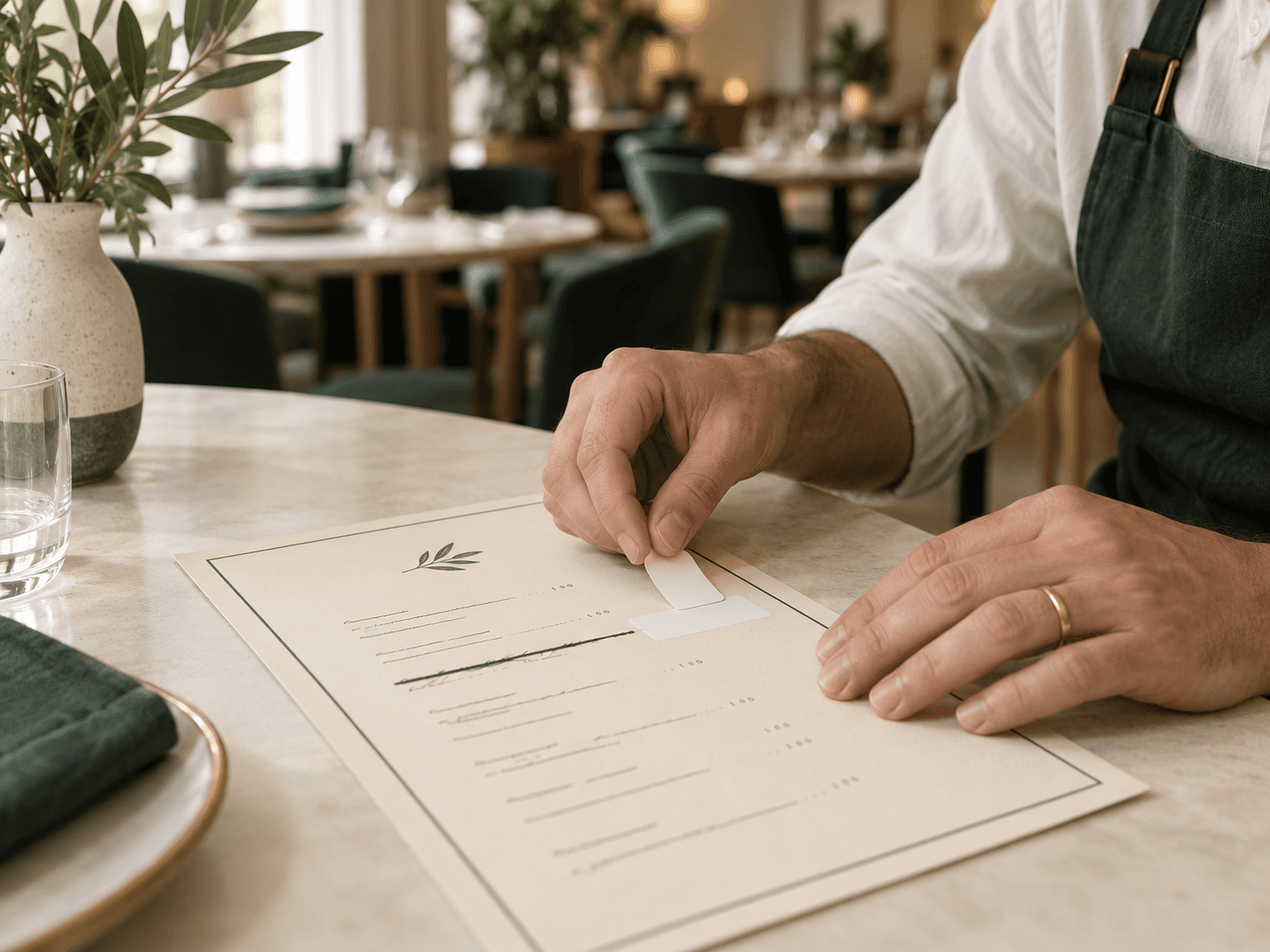
Outdated as soon as things change
Every price change, sold-out item, or new special means reprinting the menu.
Limited space to sell each dish
Static menus leave little room for photos, dietary details, or recommendations.

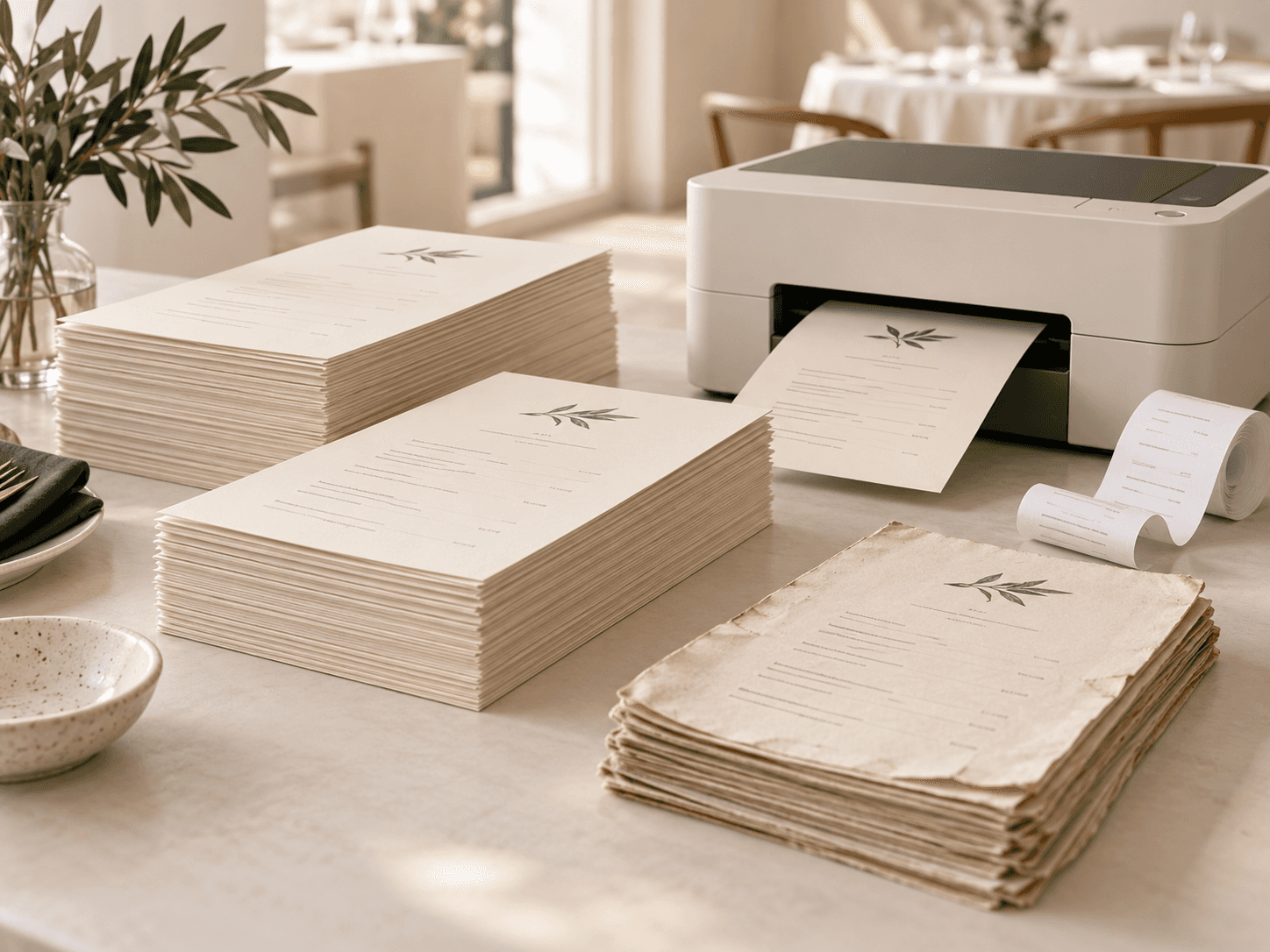
Wear out with daily use
Menus quickly become stained, damaged, or difficult for customers to read.
Limited space to sell each dish
Printed menus leave little room for photos, dietary details, and helpful descriptions.

YOUR DIGITAL MENU
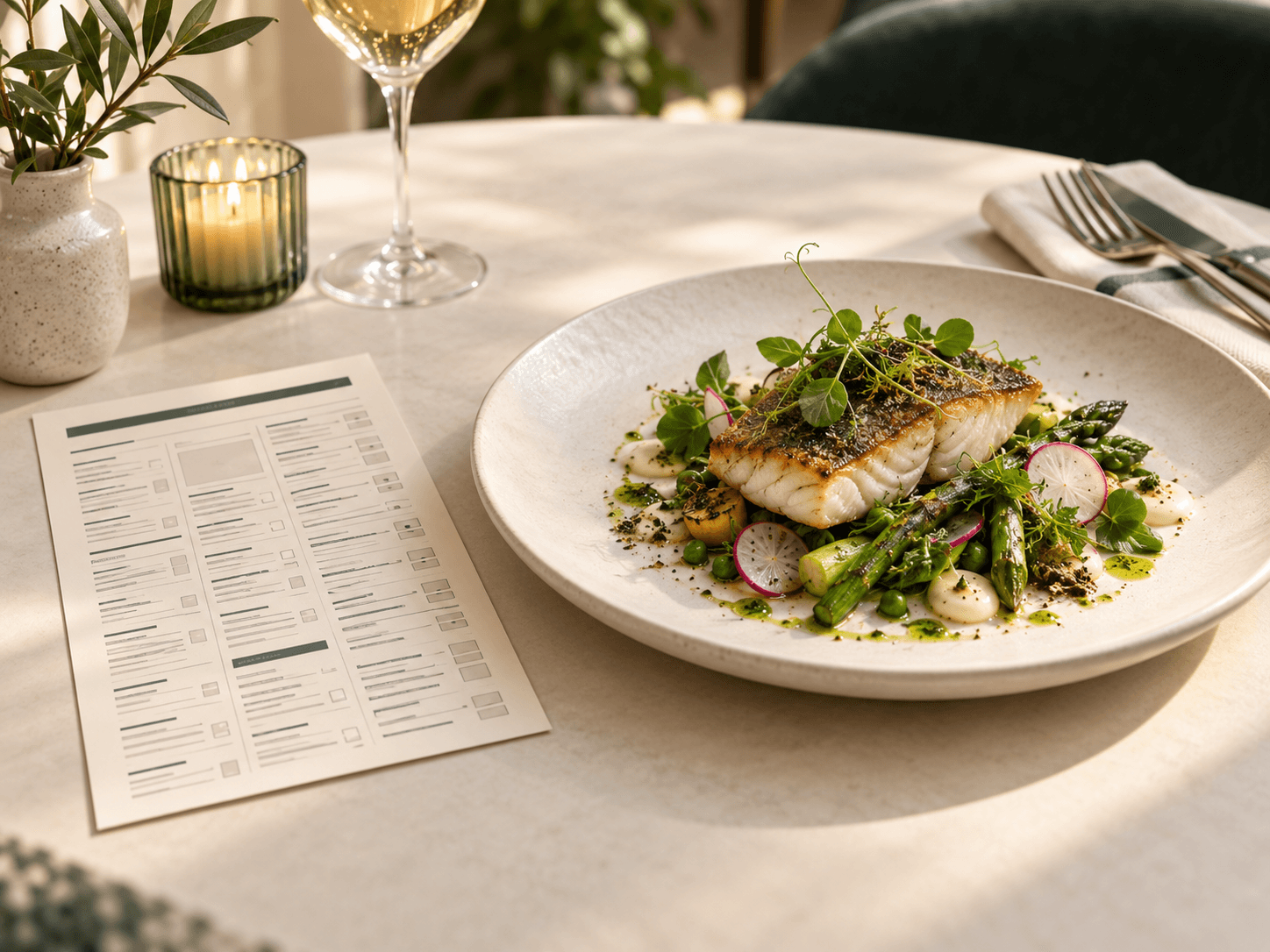
Your entire menu, one scan away.
Guests scan the QR code to browse your menu, view photos, and order from their phones. Update items, prices, and availability anytime without replacing the code.
Opens instantly with no app or account
Update your menu without reprinting
Let guests browse and order at their own pace
YOUR ORDER SCREEN
Every order. One live view.
Orders appear on your screen as soon as guests place them. Move each order from In the kitchen to Ready to run to Just served, so your team always knows what needs attention.
Faster service from kitchen to table
Your team can immediately see what is cooking, what is ready, and what should go out next.
Fewer order mistakes
Orders arrive exactly as guests placed them, including table details and special requests.
No more chasing order updates
Everyone follows the same live order status without calling across the room or checking paper tickets.
How it works
Three things, and you are open
Most places are taking their first order the same afternoon they sign up.
01
Put a code on each table
We make one for every table. Print them, stand them up, and that part is finished for good.
02
Guests scan and order
Your menu opens on their phone. They choose what they want, add a note if they need to, and send it.
03
You make it and take it over
It lands on your screen with the table number on it, and moves along as you work through it.
What it costs
Less than a couple of coffees a week
Pay for the year and save about a third. Cancel whenever you like — and we never take a cut of what your guests spend.
Counter
$6
a month
or $9 billed monthly
For a small cafe finding its feet.
50 things on the menu
10 tables
2 people on the team
Service
$19
a month
or $27 billed monthly
For a dining room that gets busy.
300 things on the menu
40 tables
Everyone on the team
Your own logo and colours
Three languages
Floor
$49
a month
or $69 billed monthly
For more than one room, or more than one place.
As much menu as you like
As many tables as you like
More than one venue
Exports and priority help
Ready when you are
Put your menu on the table
Five days free, and no card to start. Print your first code this afternoon and take an order before you close.